
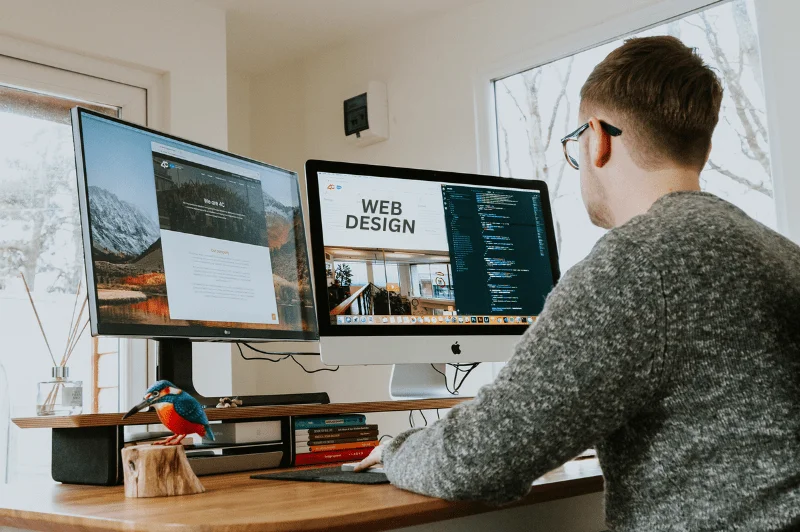
Hiring a web designer is a big deal – it's time to level up your online presence! But before you do, there are some essential steps to get yourself ready. Getting your ducks in a row will help you communicate clearly with your designer, save time and ensure the final result meets your business needs.
Remember, a back-end developer is crucial to ensuring your website works. They manage the systems behind the scenes and solve complex problems.
This guide will cover everything you need to do before hiring web developers. By the end, you'll be organized and ready to create an amazing website that helps your business thrive!
Web Development And Design
What Is Web Development And Web Design?
Before hiring, make sure you understand the difference between web development and web design. Although related, these two aspects of creating a website or web application are different.
Web development involves building and maintaining a website's back end, including server-side logic, database integration, and API connectivity. To bring a website to life, web developers write code in programming languages like JavaScript, CSS, and HTML. They ensure everything runs smoothly behind the scenes to ensure your site is functional, secure, and fast.
Web design is all about a website's visual and user experience. It involves the layout, graphics, and interactive elements users interact with. A web designer aims to create a visually appealing and user-friendly interface that engages users and keeps them returning.
Understanding these will help you communicate better with your web developer and ensure that your website's technical and visual aspects are top-notch.
Types Of Web Design Approaches
Several approaches to web design are available, each with pros and cons. Choose the right one for your needs and goals.
Responsive design is a popular approach to creating a website that adapts to different screen sizes and devices. This ensures your site looks great and functions well on desktops, tablets, and mobile devices. It's a versatile and user-friendly option that caters to a broad audience.
Adaptive design involves creating multiple versions of a website for different devices. This provides a more customized experience for users on different devices but requires more resources to develop and maintain.
Finally, there's mobile-first design, which involves designing for mobile devices first and then adapting for larger screens. Since over 60% of website traffic now comes from mobile devices, this approach means your site is optimized for most users straight away.
Understanding these web design approaches can help you make an informed decision that aligns with your website's goals and target audience.
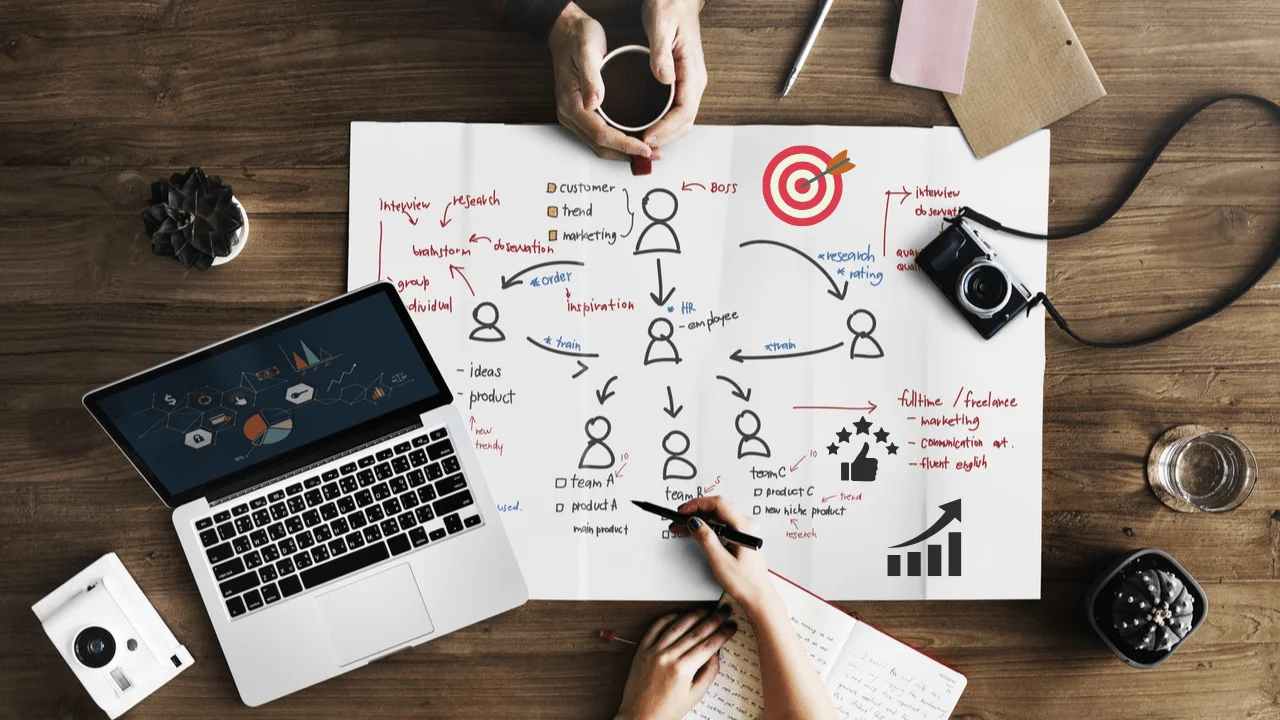
Define Your Website Goals
What do you want your website to achieve? A website without clear goals is like a ship without a destination – it might be pretty, but it might not get you where you want to go.
Think about the purpose of your site. Is it to sell products, generate leads, showcase your portfolio, or provide important information to your audience? Therefore, you can write down your primary goals and share them with your web developer. These goals will guide every decision they make, from design to functionality.
Pro Tip: Try to prioritize your goals. Focus on one primary goal (e.g. lead generation) and support it with secondary goals, such as increasing newsletter sign-ups or driving traffic to your social media accounts.
Outline Your Target Audience
Who are you building this website for? Knowing your audience is key to designing a website that truly connects with them.
Think about their age, location, occupation, and interests. Then, consider what they would expect or need from your website. For example, a professional audience might like a clean and simple design, while a younger demographic might enjoy bold and playful elements.
Exercise
Create a simple "buyer persona" for your audience. Answer these questions:
- How old are they?
- What's their profession?
- What problems do they have that your business solves?
This persona will help you imagine how your website can add value to its visitors! Your content is the heart of your website. The words and visuals play a big role in shaping your message and making your site look good.
Steps To Do:
- Write authentic and engaging website copy aligned with your brand tone.
- Organise and select high-quality images that represent your business.
- Don't have visuals? No worries! Stock photo sites like Unsplash have beautiful free resources.
Remember
If writing isn't your strength, consider hiring a professional copywriter. Great design only works if your words are just as powerful!
Collect Your Web Design and Branding Materials
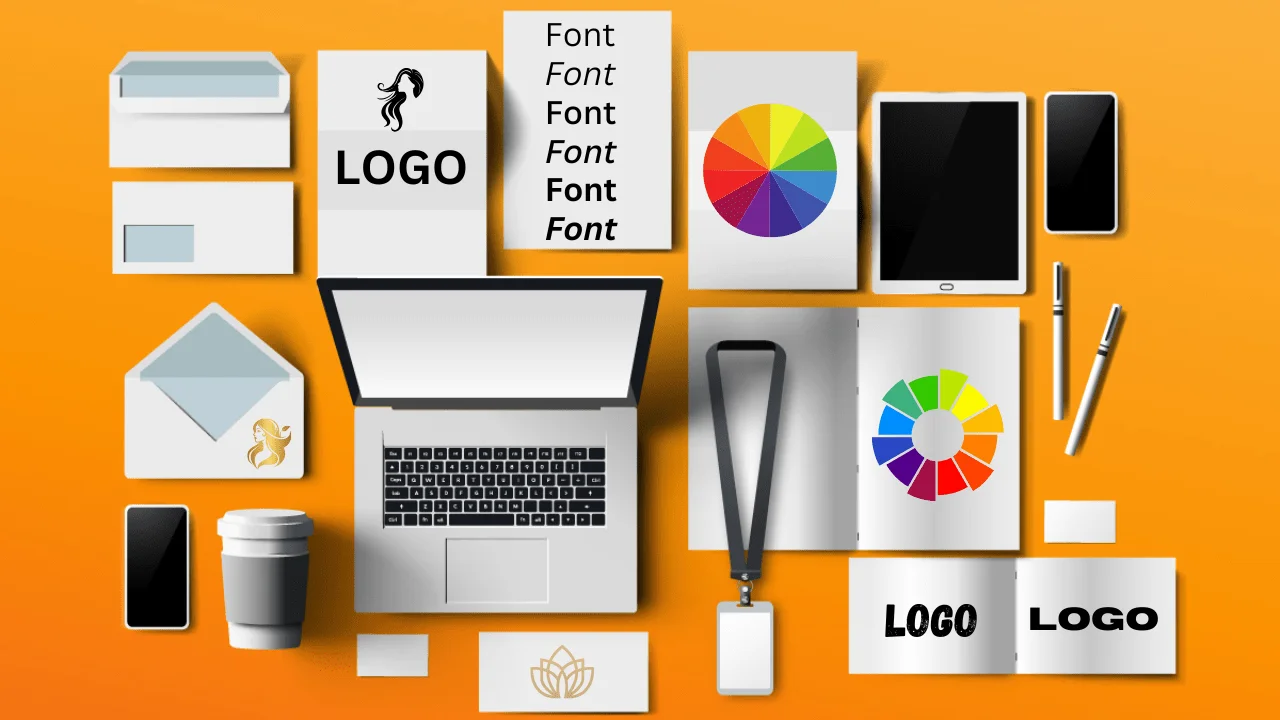
Your brand identity is what makes our business memorable. Before your web developer can start building your website, you'll need to provide them with some essential tools of the trade.
Gather These Branding Elements
- Logos (primary and any variations)
- Brand colours (if possible, provide HEX codes)
- Fonts (primary and secondary)
- Any existing style guidelines for consistency
Having these on hand will ensure your website reflects your unique identity.
Audit Your Current Website
If you already have a website, this is your chance to see what's working and what's not.
Start by asking yourself these questions:
- What do I like about my current website?
- Are there any features or pages that aren't performing well?
- Do I get any common feedback from visitors?
Your answers will give your new designer a good starting point to create an improved version of your site.
Decide On A Budget
LET'S TALK ABOUT MONEY! Having a clear budget in mind will avoid surprises during the design process. Web development costs can vary widely depending on your needs.
- Determine your essential requirements, like e-commerce functionality or custom design elements.
- Keep extra features flexible if your budget allows.
Most importantly, communicate your budget transparently with your designer—it will ensure everyone is on the same page!

List The Features You Need
A website is more than pictures and text; it's a tool for your business. Think about what features will make your site work.
Some Examples:
- Contact forms or live chat features
- An online store to sell products
- Integration with email marketing services
- Web applications to enhance user interaction and functionality: Write down your must-haves, and don't forget to brainstorm some nice-to-haves as well!
Research Your Competitor Websites
Competitor research is the perfect way to get inspired and spot opportunities. Look at websites in your industry and identify things you like—or areas where you can do better.
Front-end developers create interactive web pages by working on the visual and design aspects of websites using languages like JavaScript, CSS, and HTML. In contrast, back-end web developers manage the underlying systems and ensure the functionality of applications and websites.
What To Look For
- Design: Is it simple or bold?
- Features: Do you see unique tools or interactive elements?
- Functionality: How smooth is their navigation?
- Front-end Development: How well do they implement front-end development techniques using HTML, CSS and JavaScript to create engaging user interfaces?
Share your findings with your designer to set a high bar for your design.
Plan For SEO And Image Optimisation
Building your website is only half the battle—the other half is making it discoverable. Search Engine Optimisation (SEO) ensures your target audience can find you online.
6 SEO Topics To Discuss With Your Designer
- Mobile-friendly design
- Fast page load times
- Clear website structure and navigation
- Keyword focused content
- Meta descriptions and image alt-tags
- Blog functionality for regular content updates
Your designer doesn't need to be an SEO expert, but understanding these basics will help your site succeed.

Map Out A Site Structure For Web Development
Think of your site structure as your visitor's roadmap. The better it is organized, the easier it is for users to find what they need.
Example Structure
- Homepage
- About Us
- Services/Products
- Blog or Resources Section
- Contact Us
Draw this out before your first meeting—it will give you and your designer clarity!
Get Familiar With CMS Options
Your Content Management System (CMS) is the backbone of your website. Some popular options include WordPress, Squarespace and Shopify.
Online courses can be a valuable resource for learning about different CMS platforms.
Questions To Consider
- How tech-savvy are you?
- Do you prefer a beginner-friendly platform?
- How often will you need to update your site?
Discuss these with your designer to choose the best option for you.
Gather Testimonials And Case Studies (Social Proof)
Showcase the good and the great to build trust and credibility. Social proof is the way to turn leads into customers.
- Ask happy customers for testimonials.
- Highlight notable achievements or successful projects.
- Display reviews on your site for maximum impact.
Make Mobile Responsiveness A Top Priority For Mobile Devices
You can't ignore this fact—over 60% of website traffic now comes from mobile devices. Mobile responsiveness is no longer a nice to have; it's a must!
Communicate this with your designer so your site looks great on all screen sizes.
Choose Your Options
Benefits Of Custom Website Design
When creating a website, you can choose between a custom design and a template design. While templates can be quick and cost-effective, custom website design offers several benefits that can give you a competitive edge.
A custom design allows for a unique and tailored visual appeal that reflects your brand's personality and values. Unlike templates, which can be generic and overused, a custom design means your site stands out and leaves a lasting impression on visitors.
A custom design can also be optimized for your specific business goals and target audience. Whether you want to drive sales, generate leads, or showcase your portfolio, it can be built to achieve these objectives.
Another big advantage is flexibility. A custom design can adapt to your changing business needs and integrate with other marketing efforts, such as social media and email marketing. This means your site stays relevant and effective over time.
Finally, a custom design can give you a strong online presence that sets you apart from competitors using template designs. It shows you're committed to quality and professionalism, building trust and credibility with your audience.
Investing in a custom website design will boost your visual appeal, align with your business goals, and give you the flexibility and competitive edge you need to succeed online.
Your Website Journey Starts Here
Creating a website is an investment in your business, and taking the time to prepare these steps will ensure a smooth and successful process.
Feeling overwhelmed? No problem! Your web developer will bring your vision to life with the right preparation and communication. Better yet, you'll have a website that reflects your brand, attracts your audience, and drives meaningful results for your business.
What's stopping you from leveling up your web presence? Start today—your dream website is closer than you think.
